
Workstation setup guide
How to set up a workstation for neutral posture
Screen height, keyboard height and chair height decide most of your comfort at a desk. This guide walks through them in the order that actually works, whether you sit at a company desk in Jakarta, a home office, or a laptop on a coworking table.
Adjust the chair before the desk — chair height sets everything that follows.
A setup is not a one-time event
Desks get shared. Chairs get swapped. Bodies change over a long week, and a position that felt fine on Monday can feel wrong by Thursday afternoon. What follows is a practical order of operations for getting your screen, keyboard and chair into positions that let you work without holding tension.
Work through it once to fix a setup you already have, or use it as a checklist before you buy anything new. Most desks can be brought into a workable range with two or three adjustments and no purchases at all.
Read posture basicsThe order that works
- Step 1 Chair height and seat depth Feet flat, thighs roughly level. Everything downstream depends on this number.
- Step 2 Monitor height and distance Eye level, directly ahead, roughly an arm's length from your face.
- Step 3 Keyboard and elbow angle Elbows near 90 degrees, forearms parallel to the floor, wrists straight.
- Step 4 Mouse position Close to the keyboard, same surface height, no reaching or shoulder lift.
Adjust the chair before the desk
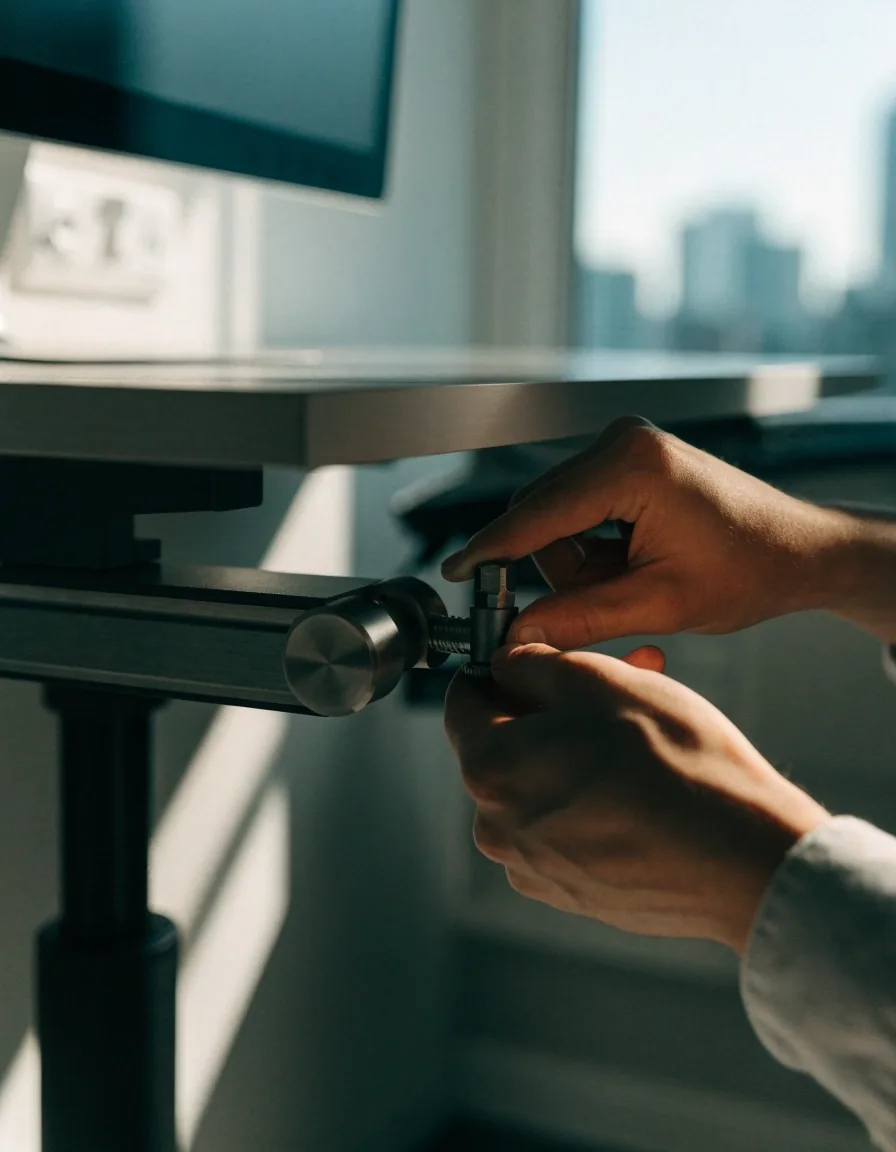
Chair height comes first because it sets everything else. Set the seat so your feet rest flat and your thighs are roughly level, then check where your elbows land. Most people find their elbows sit above the desk surface at this point, which is exactly the problem the next step solves.
If the desk is fixed and too high after this, a footrest can raise your effective seating position without lifting your knees out of range. A footrest is doing one job here: letting the chair sit lower than the floor alone would allow. If your desk is adjustable, bring it down to your elbows rather than lowering yourself to it.
Seat depth matters alongside height. Leave a small gap behind your knees so the chair edge is not pressing into the back of your legs, and let the backrest take some of your upper body weight instead of your lower back holding it all.
Monitor height and distance
The screen should sit at eye level and directly in front of you, at roughly an arm's length away. If you find yourself tilting your head down or pushing it forward, the monitor is too low. That forward drift is the one most people notice only after a long afternoon.
A monitor arm helps here because it lets you fine-tune height and distance without stacking books or wedging a ream of paper under the stand. Raising the screen also frees the space underneath it, which is usually where the keyboard ends up.
Distance is worth setting deliberately. Too close and your eyes work harder to refocus; too far and you lean in. Sit back against the backrest and extend one arm — your fingertips should land near the screen. If you wear progressive lenses, you may prefer the screen slightly lower than eye level so you read through the middle of the lens rather than tilting your chin up.
See tools that hold these positions
Keyboard and elbow height
Keep your keyboard close enough that your elbows stay near a 90-degree angle and your forearms stay roughly parallel to the floor. If your wrists bend upward or downward to type, the keyboard is at the wrong height — that bend is the whole signal.
Wrist rests help only during pauses, not while actively typing. Resting on them during keystrokes keeps the wrist in a bent position, which is the opposite of what you are trying to build. Use them between bursts of typing, not as a permanent shelf.
If your desk sits higher than your elbows and will not come down, a keyboard tray is the usual fix. Where the keyboard is close to your body, your shoulders stay relaxed; where it is pushed to the back edge of the desk, they do not.
Where your mouse sits
Place the mouse close to the keyboard, at the same height, so you are not reaching across the desk or lifting your shoulder to steer it. An ergonomic mouse can support a more neutral hand and wrist position, but it works best when the surface height and distance are already right. Mouse shape is worth testing in person if you can, because hand size varies and a shape that suits one person may not suit you.
If your desk is wide, consider whether you need the full width for paper or whether bringing the mouse closer to the keyboard would help more. A smaller movement range usually means less shoulder travel across a working day.
Screen and lighting basics
Windows
Not behind, not facing
Position the monitor so windows are not directly behind it or directly facing it. Glare makes you lean and squint, which undoes a good screen height within an hour.
When you cannot move the desk
Adjust the light instead
Blinds, a screen brightness step, or a matte finish on the wall behind you will often do more than moving furniture that is bolted down.
Laptops
Split the two heights
A laptop forces one height for the screen and the keyboard. Laptop users often gain the most from a separate keyboard and a raised screen, because it separates those two requirements.
The two-minute reset routine
Hybrid workers set up twice, sometimes three times a week. A short fixed sequence helps: chair height, then screen height, then keyboard distance, then mouse position. Done in that order it takes about two minutes and prevents the pattern where one location feels fine while the other slowly causes strain.
Run it on arrival rather than waiting until something aches. By the time you notice discomfort, you have usually been holding the wrong position for a few hours already.
- About 20 seconds Chair height Feet flat
- About 30 seconds Screen height Eye level
- About 30 seconds Keyboard distance Elbows near 90°
- About 20 seconds Mouse position No reaching
Fix the three variables that affect posture most before spending on anything else.
Screen height, keyboard height and chair height. If a purchase does not change one of those three, it is optional.
What to skip
You do not need a full accessory set to fix a setup. Cable trays, desk pads and wrist cushions are comfort items, not corrections — pleasant to have, but they will not move your screen or your elbows into place.
Sort the three variables that affect posture most first: screen height, keyboard height and chair height. Anything that leaves those three unchanged is a matter of taste rather than fit.
Checking it over time
Recheck your setup when something changes: a new chair, a new desk, a return from leave, or a stretch of unusually long days. Small drifts are normal, and the fix is usually one adjustment rather than a rebuild.
A useful habit is to look at the setup whenever your body feels different — after a holiday, after a week of long hours, after a change of chair. If discomfort persists despite a sound setup, that is a signal to consult a qualified professional rather than keep rearranging furniture.
Questions that come up while setting up
My desk is fixed and too high. What comes first?
Raise your seat instead of lowering your work. A footrest lets the chair sit at a height where your feet stay supported while your elbows reach the desk surface. Set the chair to the desk, then support the feet, rather than letting the feet dangle.
Should I use a wrist rest while typing?
Use it during pauses only. Resting on it while actively typing keeps the wrist bent, which is the position you are trying to move away from. The better fix is getting the keyboard to the height where your wrists stay straight without support.
Does monitor height change if I wear glasses?
It can. Progressive and bifocal lenses often read best through the middle of the lens, so some people prefer the screen slightly lower than strict eye level rather than tilting the chin up. Start at eye level, then adjust downward in small steps until your neck feels neutral.
I use a laptop at home and a desktop at the office. Same rules?
The same rules apply, but the laptop needs help. Its screen and keyboard share one height, so you cannot satisfy both at once. A separate keyboard plus something that raises the screen lets you set each to its own correct height.
How often should I recheck the whole setup?
After any change that affects your position — a new chair, a shared desk, a return from leave, or a run of unusually long days. Between changes, the two-minute reset on arrival is enough to catch drift.
Set up once, then keep it honest
Work through chair, screen, keyboard and mouse in that order and most desks end up comfortable without new equipment. If something still feels off after a sound setup, write to us with what you have tried and we will point you at the next thing worth checking.
PrimeShift Ergonomics · Jl. HR Rasuna Said Blok X-2 Kav. 4, Kuningan, Jakarta Selatan, 12950 · Monday to Friday, 9:00 AM – 6:00 PM