
Sit-stand routines that add movement to your day
Alternating between sitting and standing works when the routine is simple enough to keep. The goal isn't to stand for hours. It's to change position often enough that no single load builds up.
Setting a desk, a footrest and a balance board so position changes survive a real working week.
What this page covers
- Setting the desk to standing elbow height
- Tying switches to work you already do
- Footrests, weight shift and micromovement
- Balance boards and desk treadmills, honestly
Alternating between sitting and standing works when the routine is simple enough to keep. The goal isn't to stand for hours. It's to change position often enough that no single load builds up.
This page covers how to set the desk, when to switch, and how small movements, including micromovement and weight shifts, fit into a normal working day. Nothing here asks you to buy a new setup first. Most of it is about how you use the desk you already have, and where the few additions that earn their place sit in the routine.
Read it alongside our posture and mobility basics if you want the seated half of the picture first.
Set the desk to standing elbow height
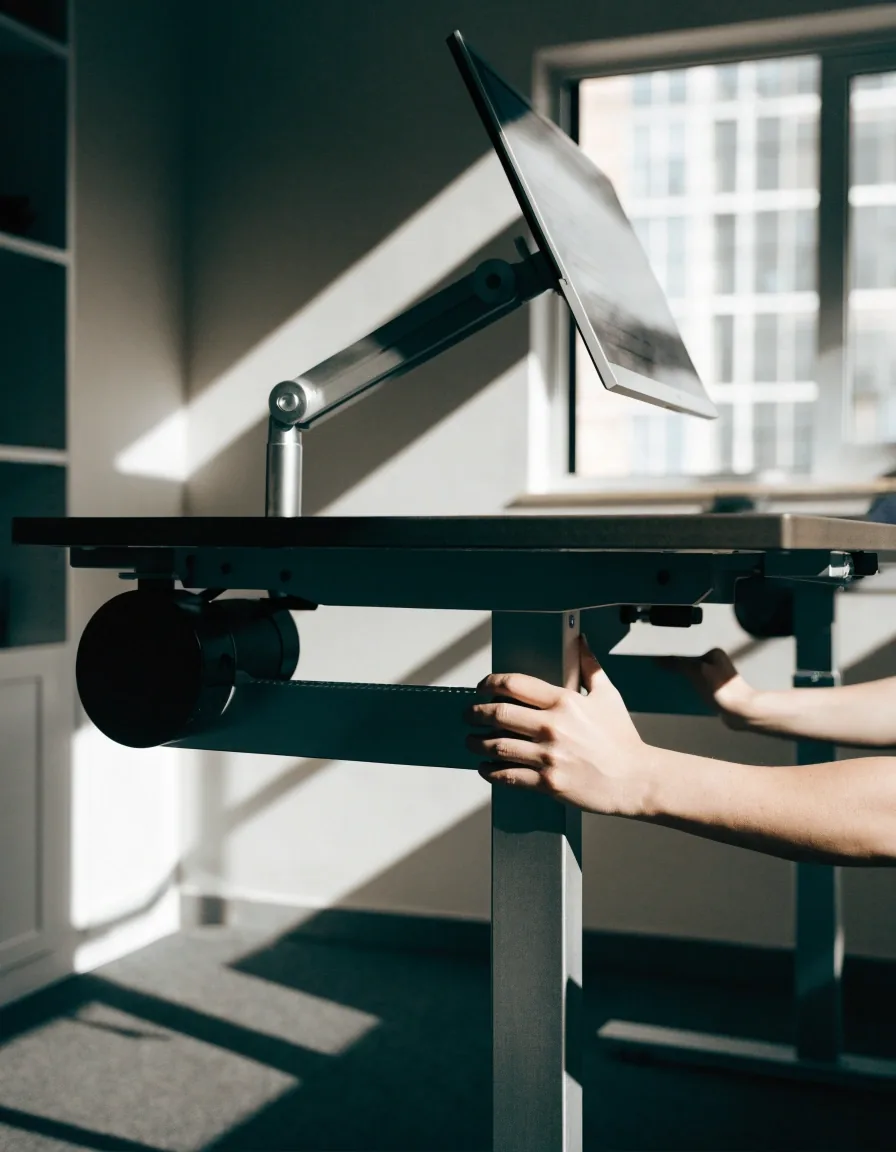
When you raise a sit-stand desk, bring it to approximately standing elbow height so your forearms stay level and your elbows sit near a 90-degree angle. Keep the monitor at eye level, which usually means raising it again when you stand. If you skip that step, standing just moves the strain from your lower back to your neck.
A quick check that works without a tape measure: stand with your arms relaxed at your sides, then bend one elbow to 90 degrees. The desk surface should meet your forearm just below the elbow. If the desk is higher, your shoulders creep up within a few minutes; if it is lower, you round forward to reach the keyboard.
Raise the monitor at the same time. Seated eye level and standing eye level are different heights, and a screen that was fine when sitting becomes a downward tilt the moment you stand. If your monitor arm does not travel far enough, a short riser under the base is usually enough. Full measurements for both postures are in the workstation setup guide.
How to alternate without overthinking it
The consistent advice is to avoid staying in one position too long and to change posture regularly. Rather than chasing a specific number of minutes, tie switches to things already in your day.
Stand for
Calls, reading, document review
Anything that does not need fine mouse control. You can shift weight, roll your ankles and change stance width without losing the thread of the conversation or the page.
Stand for a call, sit for focused writing, stand again after a break. Shorter, more frequent alternations are easier to sustain than long standing blocks.
Sit for
Writing, coding, precise editing
Tasks where a steady hand and a fixed view of the screen matter more than movement. Standing through these usually means leaning on one hip or resting a wrist on the desk edge, which trades one load for another.
The switch itself is the point. Two minutes of standing between two long seated blocks does more than one heroic hour upright at the end of the day.
Footrests and weight shift
A footrest isn't just for seated work. While standing, resting one foot on a low support lets you shift weight between your legs instead of locking into one stance. That small change reduces static loading in the lower body over a long session. It's one of the cheapest additions to a sit-stand setup and one of the most used.
The useful habit is to move the foot, not just place it. Alternate which foot rests on the support every few minutes, and let the free leg take your weight in between. Standing with both feet flat and knees locked for twenty minutes is still a static posture, even at a raised desk.
Support height matters more than the shape. The rest should let the knee stay slightly bent and the hip stay level; if your standing hip drops, the support is too high. If you feel it in your lower back after ten minutes, lower it before you shorten the standing block.
Compare ergonomic tools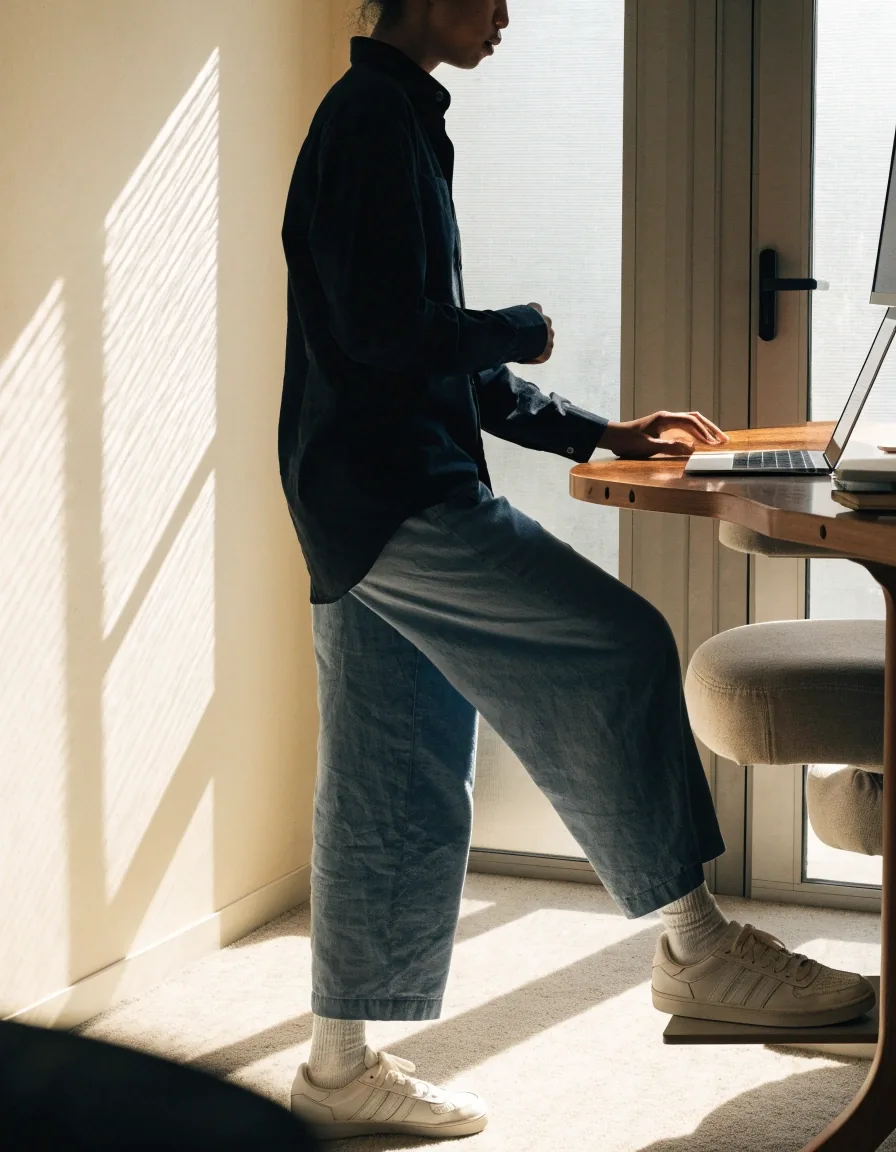
Standing still for a long time is its own kind of static load.
That is the case for micromovement: small weight shifts and body adjustments during standing work, rather than one locked stance held until the next break.
Micromovement while you stand
Micromovement means small weight shifts and body adjustments during standing work. None of these need equipment, and all of them take less than a few seconds. Pick one and repeat it on a natural cue, such as the end of a call or the moment a page loads.
Weight shift
Shift hip to hip
Move the load from one leg to the other, slowly
Ankles
Roll your ankles
Small circles, one foot at a time
Stance
Change your stance width
Narrow for precision, wider for a pause
Support
Rest a foot, then release
Alternate which foot takes the support
A balance board can add this kind of movement as an optional add-on, keeping the body engaged through small balance shifts. It's best framed as a way to vary standing, not as a substitute for proper workstation setup.
Balance boards: useful or gimmick
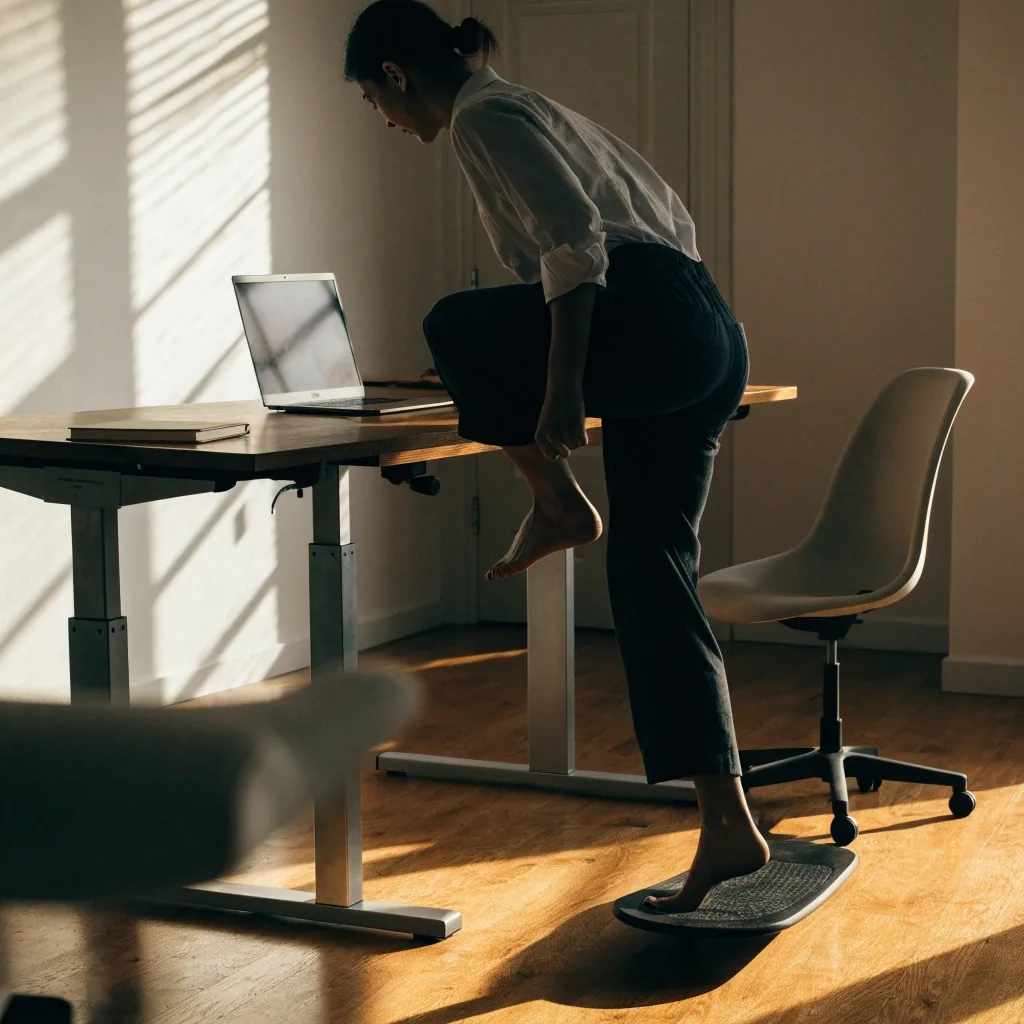
A balance board appears in workplace ergonomics guidance as a way to add micromovement while standing. It suits people who stand for longer stretches and want something to break up stillness. It isn't required, and it won't fix a desk at the wrong height. If you try one, keep the movements small and keep a stable surface nearby for when you want to stop.
Worth trying if
You stand for long stretches, your desk height is already right, and you want a way to break up stillness without leaving the desk.
Skip it if
You are still fixing desk height, monitor level or foot support. Those change every working day; a board adds movement on top of a setup that already fits.
Desk treadmills and who they suit
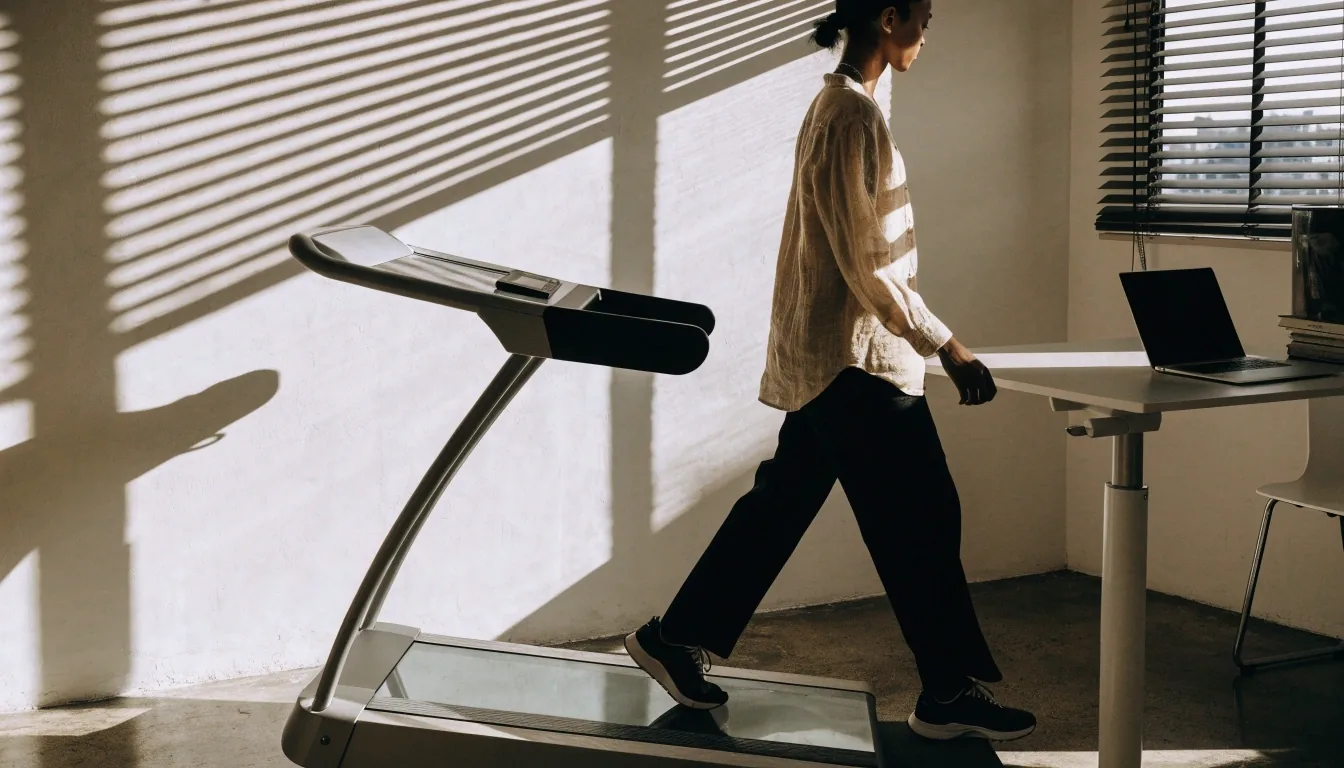
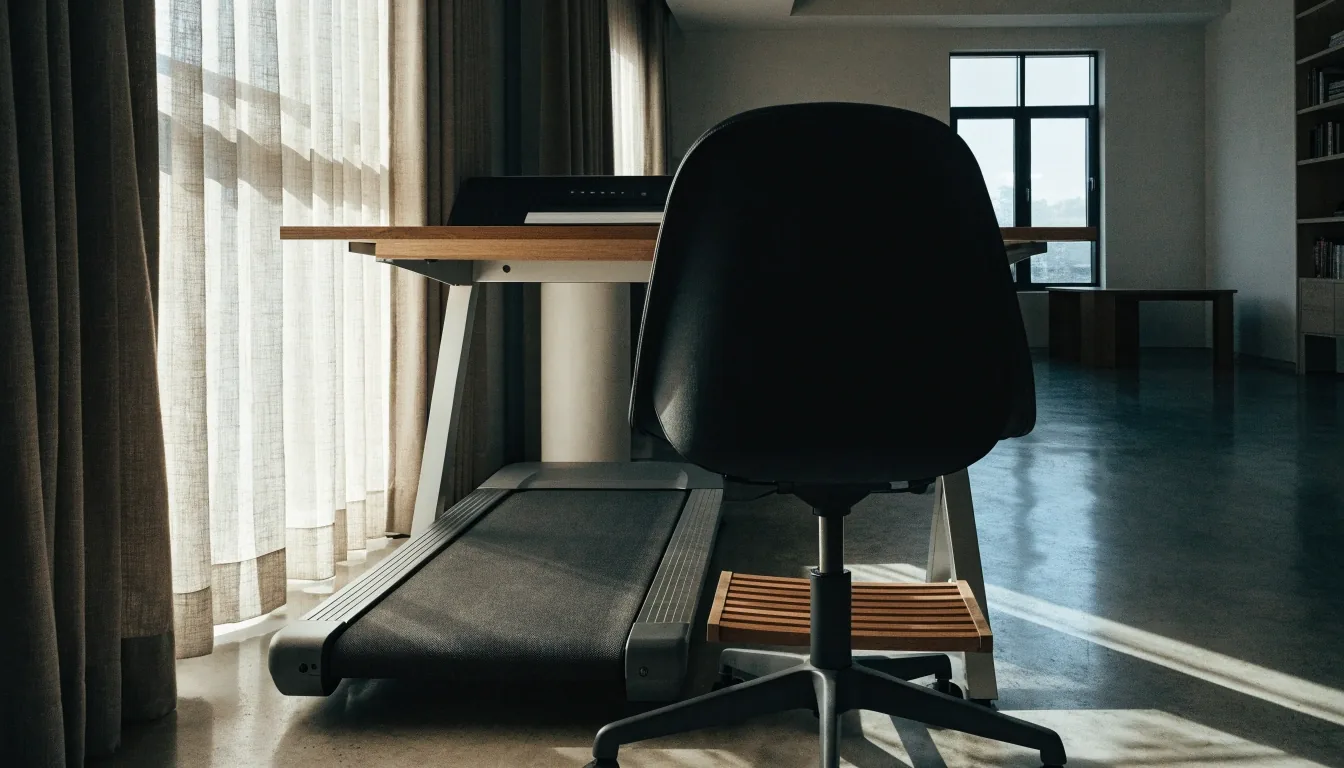
A desk treadmill adds walking to the workday, which puts it in a different category from a footrest or balance board. It needs careful pace and setup to avoid distraction or instability, and it takes practice to type while walking. It's more niche than a sit-stand desk and carries a stronger lifestyle angle. For most desk workers, alternating sit and stand covers the need first.
If you already alternate well and want more movement, start at a slow pace for short stretches and keep the keyboard work simple: reading, calls, triage. Leave precise work for the seated block. That order matters more than the machine itself.
Building the habit around real work
Movement routines fail when they compete with work. Attach standing to activities that don't need fine mouse control, such as calls, reading, or reviewing documents. Sit for tasks that need sustained focus. If your week is hybrid, keep the same pattern in both locations so you don't have to relearn it.
Cue
Attach the switch to a real event
A call starting, a meeting ending
Length
Keep blocks short enough to repeat
Shorter and frequent beats long
Hybrid
Repeat the same pattern at both desks
One routine, two locations
Review
Check the pattern once a week
Drop what you keep skipping
When standing doesn't feel right
If standing makes your lower back or legs feel worse rather than better, reduce the duration and check your stance and foot support first. Locked knees, an unsupported foot position, or a desk at the wrong height can all turn standing into extra strain.
Work through the setup in order: desk height, then monitor height, then foot support, then duration. Most discomfort at a raised desk traces back to one of those four, and it is usually faster to check them in that sequence than to guess.
Persisting pain is a reason to see a qualified professional, not to push through a routine. This page describes general workplace practice; it is not a diagnosis and does not replace an assessment for a specific problem.
Check first
- Desk at standing elbow height, forearms level
- Monitor raised again for the standing eye level
- One foot supported, knees not locked
- Standing blocks short enough to repeat tomorrow
Questions we get about sit-stand days
Short answers to the points that come up most often when people start alternating. If your situation is specific, send us a question and we will point you to the right page.
How long should I stand at a sit-stand desk?
There is no single number to chase. Change position regularly and keep each standing block short enough that you would happily repeat it tomorrow. If you finish a day feeling worn down, the blocks were too long or the desk height is off.
Do I need a balance board or a desk treadmill?
Neither is required. Alternating sit and stand, with a footrest for weight shift, covers the need for most desk workers. A balance board adds micromovement for people who stand for long stretches; a desk treadmill adds walking and suits a narrower set of tasks.
Can I add micromovement without buying anything?
Yes. Shifting weight hip to hip, rolling your ankles and changing your stance width cost nothing. A low support for one foot helps with weight shift, but you can start by alternating which leg carries your weight while you stand.
How do I keep the same routine when I work from home?
Tie switches to events rather than places: a call starting, a meeting ending, a break. Those events exist in both locations, so the same triggers work at the office and at home without relearning anything.
Set the height once, then let the routine run
Start with the desk at standing elbow height and the monitor at eye level. Then add one switch you will actually make tomorrow: stand for your next call, sit when you return to writing. If you want help checking a setup for a team or an office in Jakarta, send us a question and we will walk through it with you.
PrimeShift Ergonomics · Jl. HR Rasuna Said Blok X-2 Kav. 4, Kuningan, Jakarta Selatan, 12950
Monday to Friday, 9:00 AM – 6:00 PM