
Posture & mobility basics
Posture basics: neutral spine, head position, shoulders
Posture terms get repeated without explanation. Knowing what neutral spine, forward head posture, and rounded shoulders actually describe makes it easier to notice your own patterns and decide what to change. This page covers the vocabulary in plain language, plus mobility cues you can use at a desk without equipment.
Start here
Three terms, one working idea
Neutral spine, forward head posture, and rounded shoulders are not diagnoses and not character flaws. They are descriptions of how a spine, a head, and a pair of shoulder blades are arranged while you sit or stand. Read together, they explain why two very ordinary desk habits keep showing up on the same bodies: a screen set below eye level and a keyboard placed beyond easy reach.
This page stays with the vocabulary and the movement cues that follow from it. If you want the setup changes first, the workstation setup guide covers screen height, chair depth, and keyboard distance in sequence. If you want the day-level version, the sit-stand page covers how often to change position rather than how to hold one.
What neutral spine means in practice
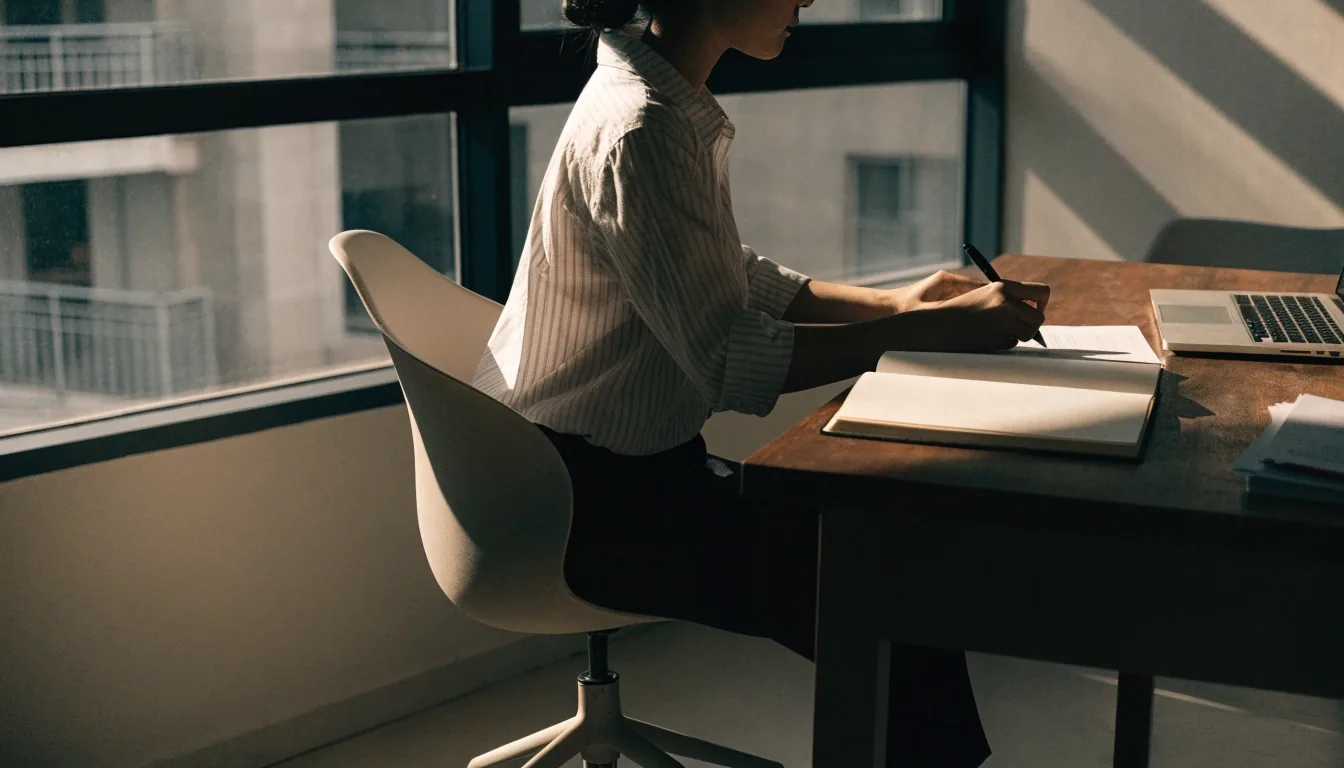
Neutral spine describes a spine resting in its natural curves rather than being flattened or over-arched. It isn't a rigid position you hold.
In a chair, it usually means your pelvis is supported, your lower back keeps a gentle inward curve, and your ribcage sits over your hips rather than slumping behind them.
The useful test is whether you can breathe comfortably and stay there without effort. If holding the position requires bracing your stomach or gripping your thighs, that is not neutral spine for you today. It is a shape you are forcing, and it will not survive the next hour of work.
A few signs that you have drifted away from it: the lower back has gone flat against the backrest, the ribcage has slid behind the hips so the ribs feel collapsed, or the pelvis has rolled forward until the lower back feels pinched. Each of those is a position, not a verdict. Reset the pelvis, let the ribs stack, breathe out, and continue.
Forward head posture
Forward head posture describes the head sitting ahead of the shoulders rather than stacked over them.
It develops quietly from screens placed too low or too far away, and it increases load on the neck. Nothing dramatic happens at first. You lean in a little to read a line of small type, the head moves forward of the shoulders, and the neck muscles that hold it there work a bit harder than they were designed to work for hours at a time. The next day, the same screen invites the same lean.
The check
Sit as you normally sit, then have someone photograph you from the side, or check your reflection in a dark screen. If the ear sits clearly ahead of the shoulder, that is the pattern you are working with. No scoring, no app needed.
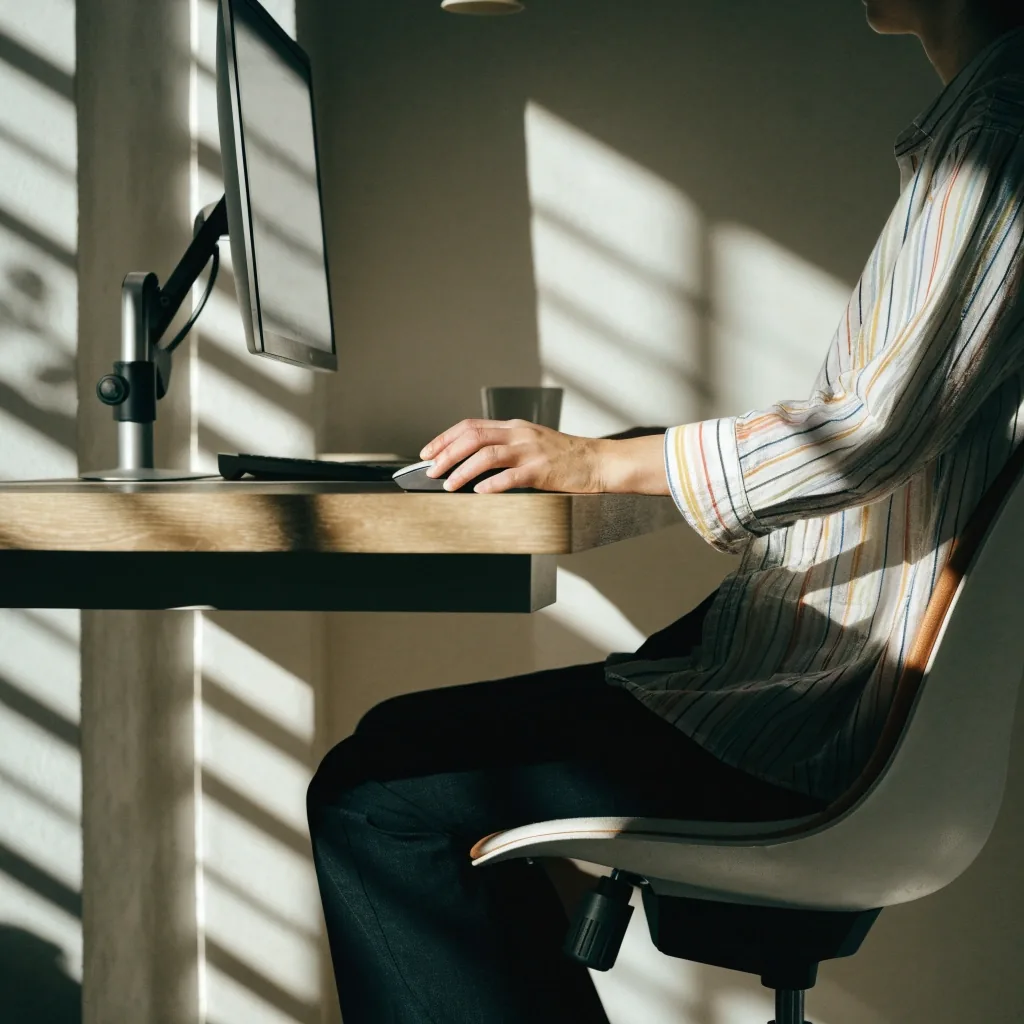
The fix is usually mechanical: raise the screen to eye level and bring it closer. Checking your monitor height does more for this than any exercise. A monitor arm makes that adjustment easy to repeat; a stack of books under the stand works just as well for a first attempt. Once the screen sits at the right height, the head has no reason to travel forward, and the neck stops carrying the extra load.
Rounded shoulders
Rounded shoulders describe the shoulder blades drifting forward and the upper back rounding, often alongside a keyboard placed too far away. Reaching for the keyboard pulls the shoulders forward and holds them there. Over a working week, that small reach repeats hundreds of times, and the forward position starts to feel like the resting position.
Bringing the keyboard closer, keeping elbows near a 90-degree angle, and letting the arms rest supported all reduce the pull. If your chair has armrests, set them so the forearms rest lightly rather than hang. If it does not, check whether the desk edge itself can take the weight of your forearms during a pause.
You can test the direction of the change in a few seconds. Sit as you normally sit, let your arms hang, then slide the keyboard six to eight centimetres closer and let the shoulders drop. If the upper back feels less rounded within a minute, the distance was doing more of the work than you were.
What usually helps
- Keyboard close enough that the elbows stay near a right angle.
- Forearms resting on the desk or armrests instead of hanging.
- Mouse within the same easy reach as the keyboard, not off to one side.
- A screen close enough that you do not lean toward it to read.
Why movement beats holding still
No position stays comfortable indefinitely, including a good one. Holding any posture for hours loads the same tissue the same way, whether that posture is slouched or textbook-correct.
The practical conclusion is variation: shift your weight, change your leg position, stand for a while, sit again. Posture balance isn't a fixed shape, it's how often you change.
In a working day
Aim for a change of position every thirty to forty-five minutes. The change does not have to be large: crossing the other leg, moving the mouse to the other side for a few minutes, standing to answer a message, or walking to refill a glass all count.
If you use a sit-stand desk, the useful target is switching between sitting and standing several times a day rather than standing for one long stretch. Long static standing loads the legs and lower back the same way long static sitting loads the hips.
The most useful posture change is the next one, not the perfect one.
Desk mobility cues
You don't need a mat or a change of clothes. Simple cues work, and they work best when they are attached to something you already do.
Do them between tasks rather than saving them for a single break. Short and frequent beats long and rare.
-
1
Roll the shoulders back and down
A few slow circles, then let the arms drop. This is the cue for a keyboard that has crept away from you.
-
2
Turn the head slowly side to side
Gentle turns, not stretches to the limit. This is the cue for a screen you have been leaning toward all morning.
-
3
Stand and shift weight between the feet
A minute of standing resets the hips and gives the lower back a different load. If standing is uncomfortable today, skip it and shift your seated position instead.
-
4
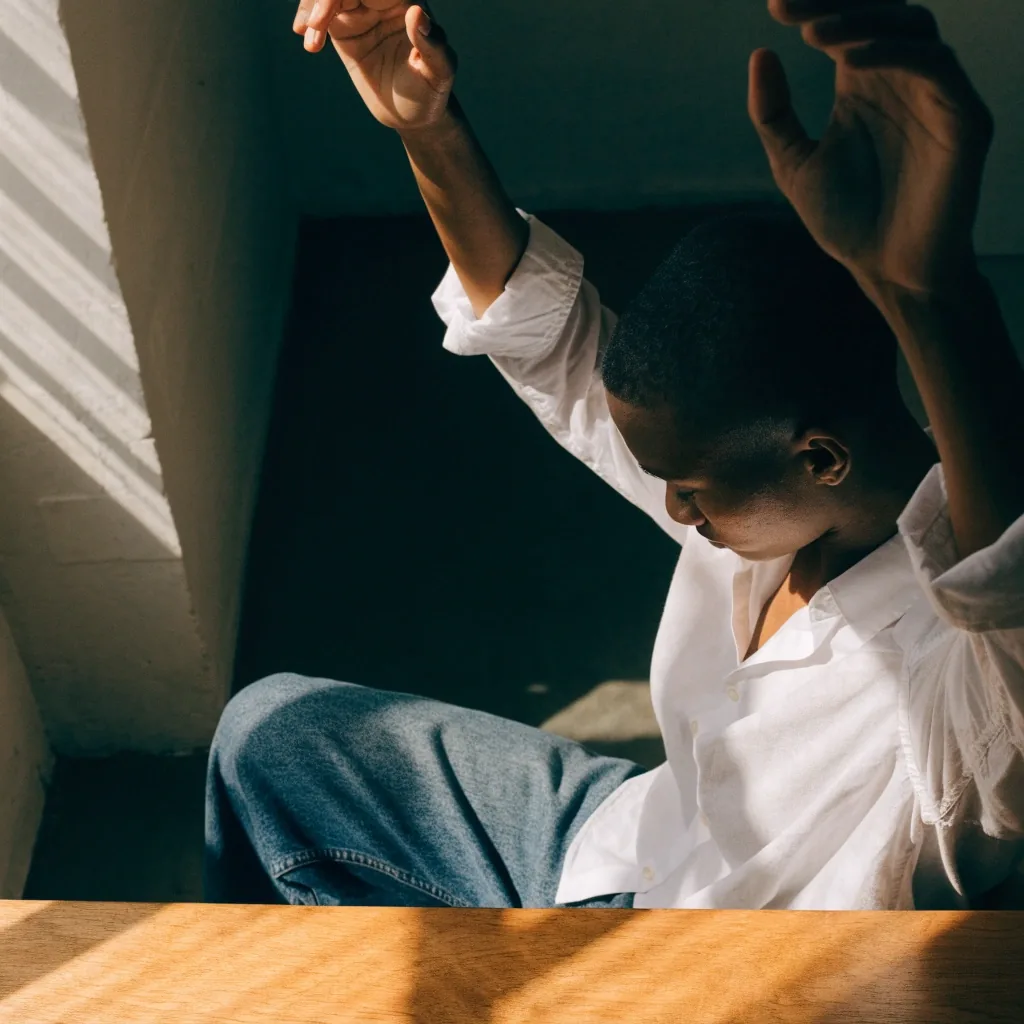
Reach the arms overhead briefly
One reach is enough. It opens the front of the body that a keyboard and a desk edge close down over the day.
Stretches that fit a workday
Desk stretches are most useful when they target what your setup loads.
If your screen is low, gentle neck and upper back movements help. If your keyboard is far, chest and shoulder movements help. The stretch is following the setup, not the other way round, which is why the same routine will not suit two people at the same desk.
Keep them mild and stop short of anything sharp. A stretch shouldn't feel like a corrective procedure. Mild means you can still breathe out slowly while you are in it, and nothing pulls, pinches, or burns. If a movement produces a sharp sensation, tingling into the arm, or numbness, stop and treat it as a signal rather than a stretch to push through.
When to see a professional
Posture guidance reduces avoidable strain in ordinary desk work. It doesn't diagnose or treat conditions. If you have persistent pain, numbness, tingling, or weakness, see a qualified clinician. Changing your chair height won't address a medical issue, and treating it as one delays the right help.
What belongs here and what does not
- Fits this page: mild stiffness after a long working day, a screen that sits too low, a keyboard that sits too far, a routine that has become static.
- Fits a clinician: pain that persists across days, numbness, tingling, weakness, or pain that follows a fall or injury.
- When in doubt, book the appointment. A setup change is cheap to try and easy to undo; a delayed diagnosis is not.
Questions desk workers ask
Do I need to sit perfectly straight?
No. "Perfectly straight" usually means flattened and braced, which is not neutral spine and not sustainable. A supported pelvis and a gentle lower-back curve you can breathe in is the better target.
How often should I change position?
Every thirty to forty-five minutes is a workable habit for most office days. The change can be small. Standing once an hour and sitting still for the rest does less than five small changes spread through the day.
Should I buy a posture brace or a corrector?
For ordinary desk work, the screen height and keyboard distance do more than a brace. A brace holds a position; it does not change the setup that produced it. Spend the money on an adjustable monitor stand or an arm first.
Do these cues replace exercise?
They don't. Desk cues break up static load; they are not a training plan. Regular activity outside work still matters, and it is what the cues are meant to fit around, not replace.
Where to go next
If you have read this far, the useful next step is usually one of two: change the setup, or change how often you change position. Both are covered in more detail on their own pages.
PrimeShift Ergonomics, Jl. HR Rasuna Said Blok X-2 Kav. 4, Kuningan, Jakarta Selatan, 12950. Monday to Friday, 9:00 AM – 6:00 PM.