
Ergonomic tools: where each one actually fits
Accessories get sold as fixes. Most of them are better understood as adjustments that work only when the basics are already in place. This page reviews the tools that come up most often in desk setup conversations, what each one changes, and who tends to get value from it.
Guidance written for office, remote and hybrid desks in Jakarta — tested against the setups we see most often.
What this page covers
Six tools show up again and again once chair height, screen height and keyboard position are already sorted. Each entry below says which single variable the tool changes, and who tends to notice a difference.
- Screen height Monitor arms seated and standing
- Hand and wrist Ergonomic mice repetitive desk work
- Foot support Footrests lowest cost, daily use
- Micromovement Balance boards optional add-on
- Routine Posture reminder apps remote workdays
- Walking at work Desk treadmills advanced option
Screen height
Monitor arms: screen height, solved
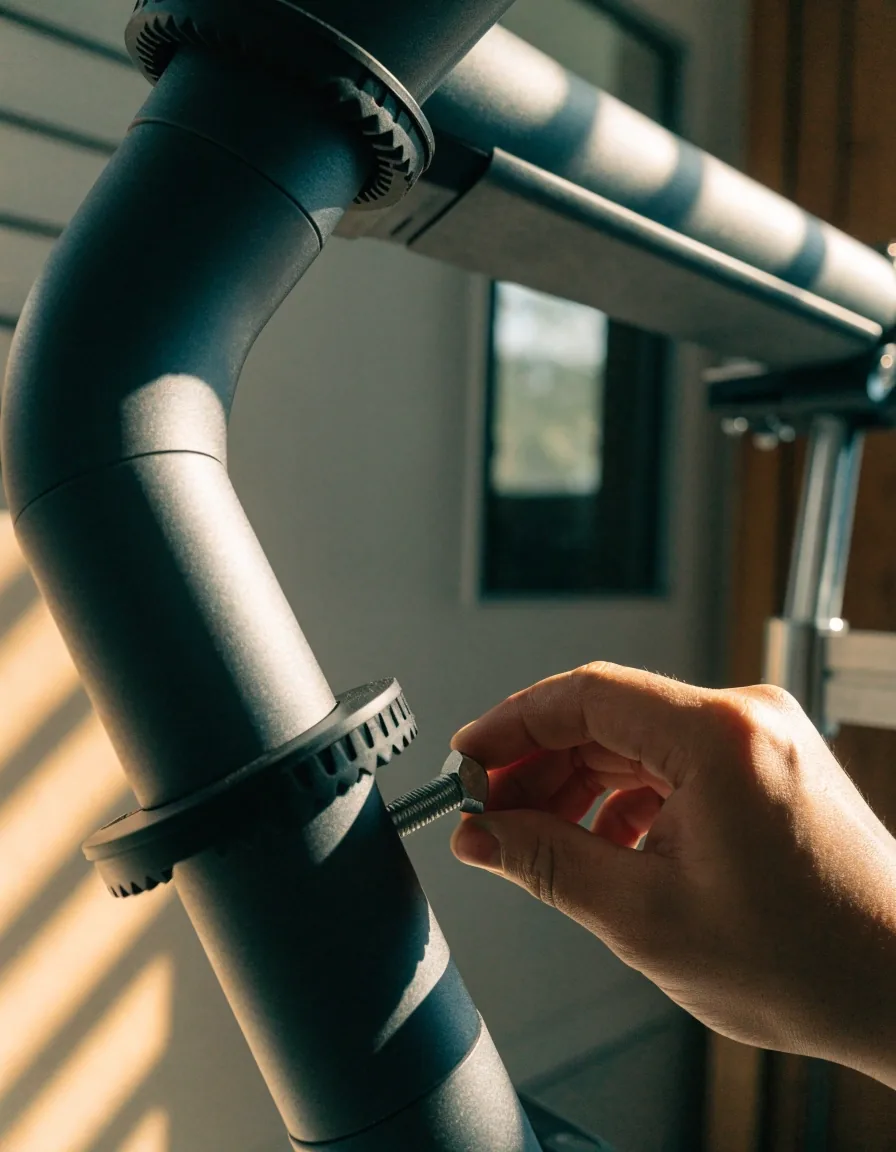
A monitor arm places the screen at eye level and directly in front of you, and it makes that position easy to change when you switch between sitting and standing. It supports better neck positioning by reducing forward head posture, which is the main reason it is worth considering.
It is useful in both seated and standing setups and pairs naturally with an adjustable desk. Two practical checks before you buy: the clamp needs enough desktop thickness to grip, and the arm's rated weight should sit above your monitor with its cables attached, not below it. If you share a desk or move between two work surfaces, the arm's main advantage is that you reset the screen height in seconds instead of stacking books.
Set up your workstationErgonomic mice: shape over features
Evaluated alongside keyboard placement and forearm support, never on its own.
An ergonomic mouse is designed to reduce strain by supporting a more neutral hand and wrist position. It is commonly discussed in the context of repetitive desk work, where the same small movements repeat for hours.
It is part of a broader workstation setup rather than a standalone fix. Hand size matters more than any specification, so testing one in person is worth the effort — a vertical or sculpted shape that suits a smaller hand can feel worse than a plain mouse for someone with a longer reach. If you cannot try before buying, check whether the retailer allows returns, and give any new mouse a full week before judging it. Switching devices also changes how your forearm rests, so re-check your keyboard height in the same sitting.
Foot support
Footrests: the low-cost option
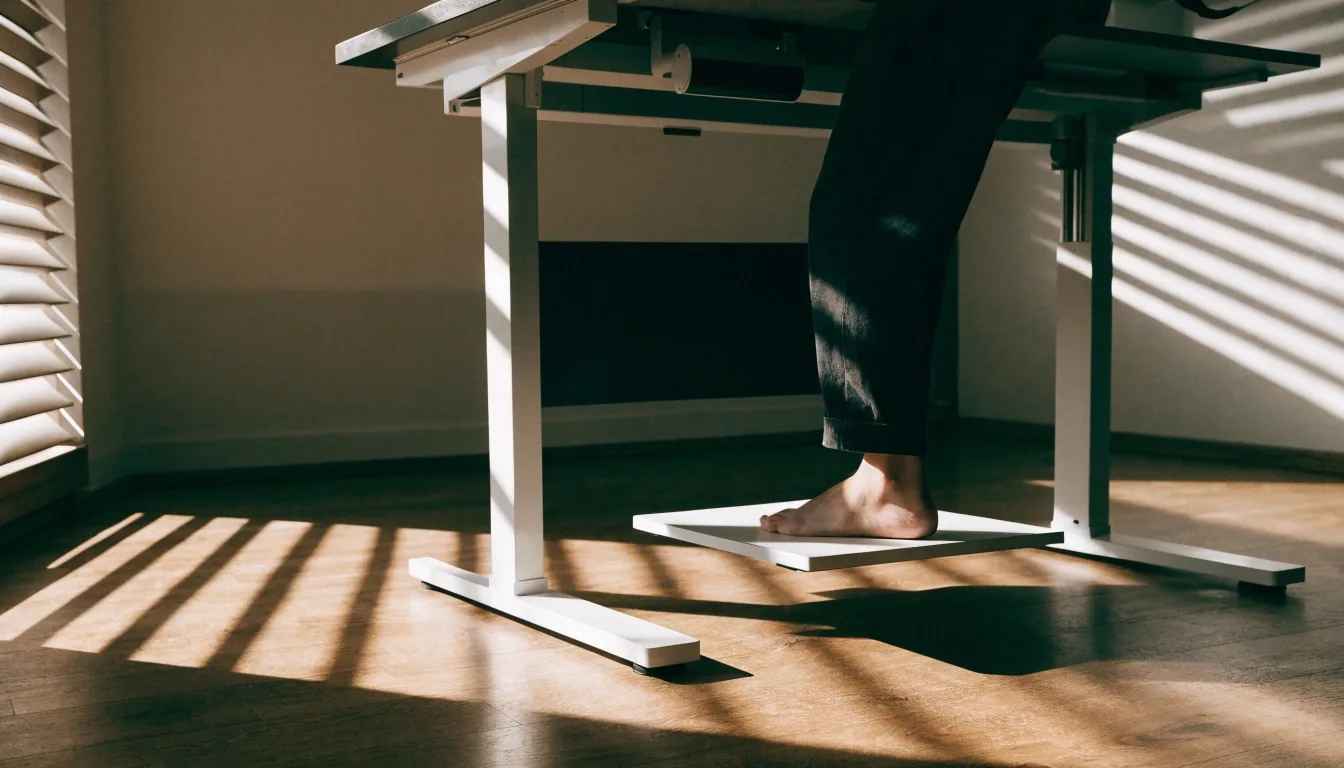
A footrest helps you shift weight and reduce static load, seated or standing. In standing-desk guidance it is recommended as a way to alternate weight between your legs and avoid locking into one stance for too long.
It is often paired with sit-stand setups for better comfort over longer work periods, and it is one of the few accessories that costs little and gets used daily. Look for one that stays where you put it — a rest that slides across the floor gets abandoned within a week. Height matters too: if your feet dangle when the chair is set correctly, a footrest is doing the job your chair cannot.
Optional movement
Balance boards: optional movement
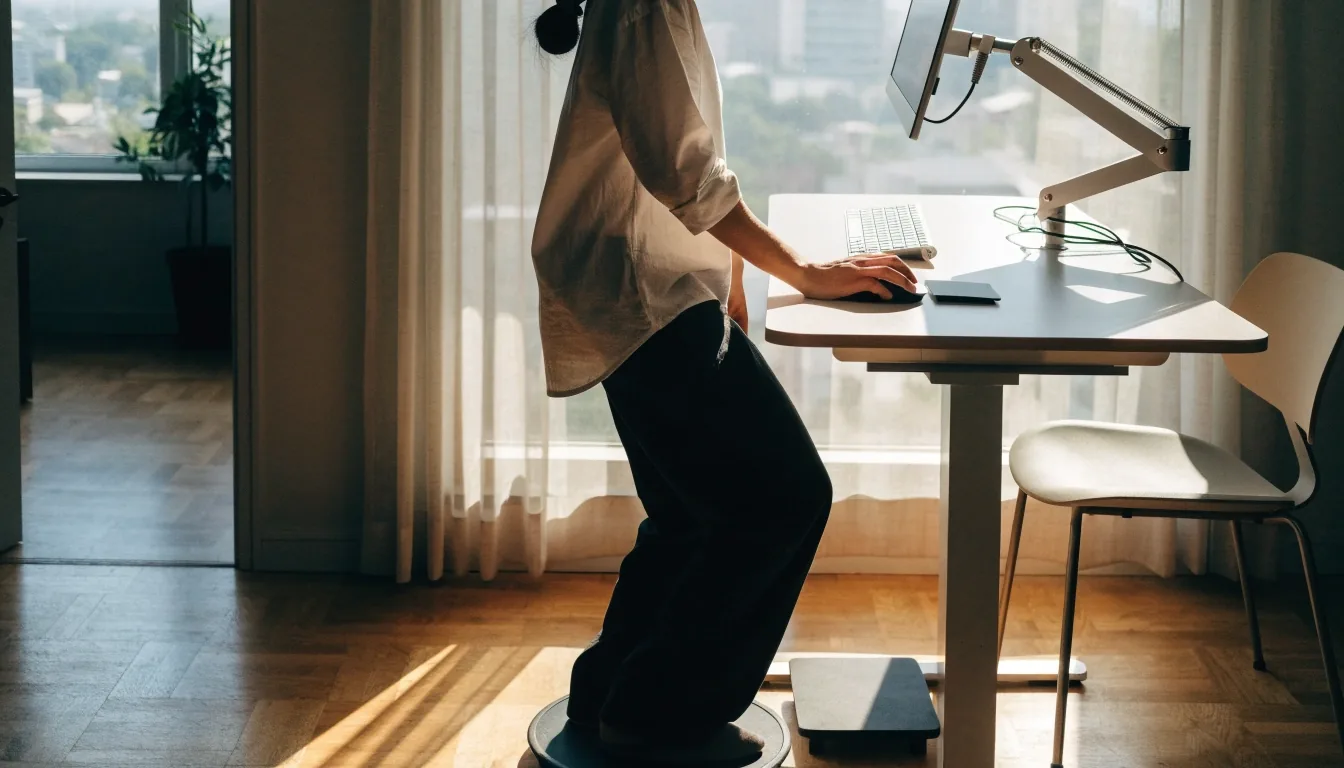
A balance board adds micromovement while standing, keeping the body engaged through small balance shifts. It appears in workplace ergonomics guidance as an optional add-on rather than a requirement.
The right framing is variation: it helps break up static standing. It will not compensate for a desk at the wrong height or a screen that is too low. If standing already feels unsteady, fix the desk and screen first; the board is the last thing you add, not the first.
Routine
Posture reminder apps: prompts, not fixes
A posture reminder app prompts posture changes and movement breaks during the workday, which fits the broader emphasis on not staying static too long. It complements physical workstation changes rather than replacing them.
It tends to help most in remote-work routines where self-management carries more weight. If reminders get ignored after a week, the issue is usually the routine, not the app — set two or three prompts across the day instead of a stream of them, and tie each one to something you already do.
Walking at work
Desk treadmills: advanced, not essential
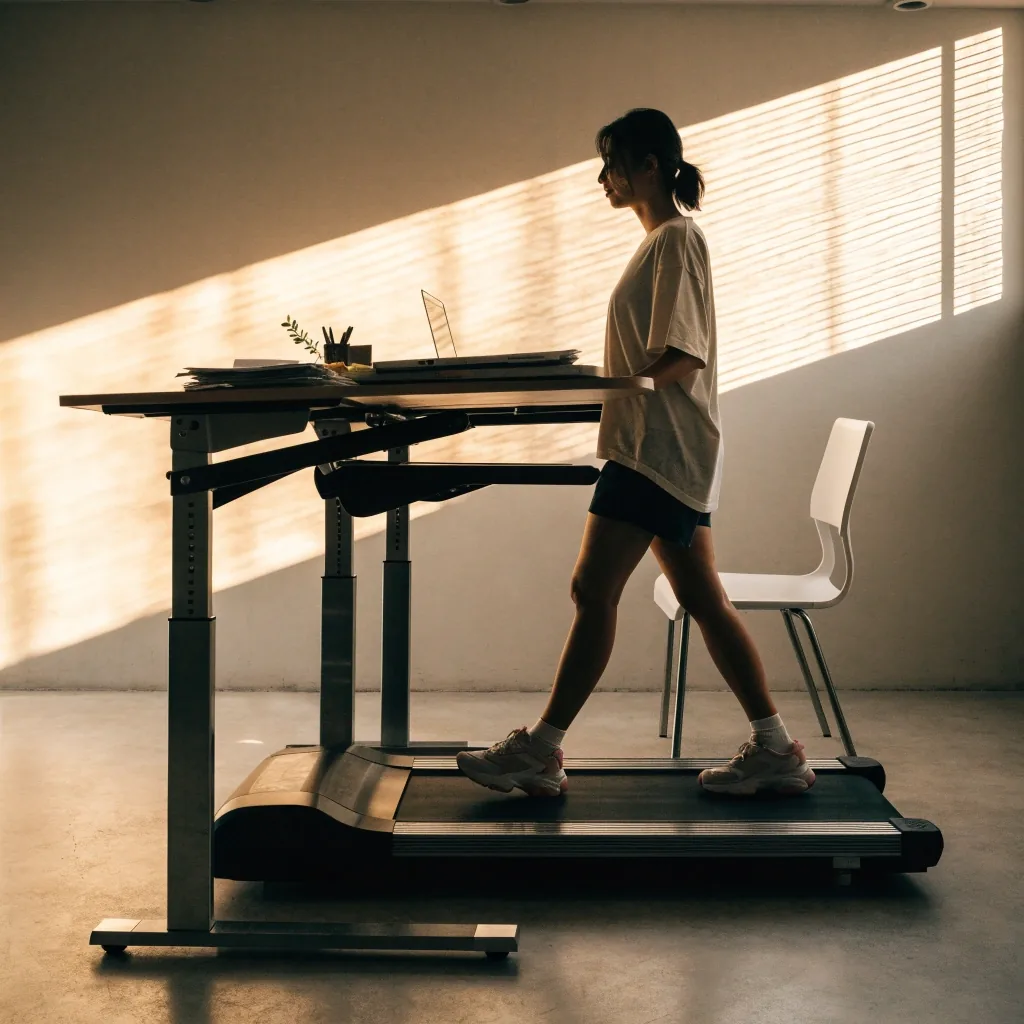
A desk treadmill adds walking to the workday and appears in broader movement-at-work conversations. It is not a core recommendation in the ergonomics guidance we draw on, and it is often discussed as an advanced option.
It requires careful pace and setup to avoid distraction or instability, and it is more niche than a sit-stand desk. Walking pace that lets you type comfortably is slower than most people expect on the first day. Most people get further by alternating sitting and standing first.
Ask what single variable the tool changes. If it only adds comfort, do not expect it to correct posture.
The test that saves the most money before you buy anything.
How to judge an accessory
Ask what single variable the tool changes. If it raises your screen, lowers your wrists, or supports your feet, it addresses a real setup problem. If it only adds comfort, that is fine, but do not expect it to correct posture. Buy after you have fixed chair height, screen height, and keyboard position, because those three do most of the work.
- Monitor arm Changes screen height and distance Addresses a real problem
- Ergonomic mouse Changes hand and wrist angle Addresses a real problem
- Footrest Changes leg and foot support Addresses a real problem
- Balance board Changes how static your standing is Adds variation
- Posture app Changes how often you move Depends on your routine
- Desk treadmill Changes how much you walk Advanced option
A tool that changes one of the first three variables earns its place on the desk. A tool that only adds comfort is a preference, not a correction — worth buying if you like it, not worth blaming for posture.
Long-term value
What holds up over years
Tools that hold up over years tend to be the simple mechanical ones: a monitor arm with solid joints, a footrest that stays where you put it, a mouse that fits your hand. Software reminders depend on whether you keep using them.
Anything requiring a new habit has a shorter shelf life than anything that changes your physical setup once and stays changed. That is the practical reason to spend on the mechanical pieces first, and to treat prompts and programs as support rather than structure.
Before you buy anything
Common questions from desks in Jakarta, answered plainly.
Which accessory should I buy first?
None, if chair height, screen height and keyboard position are still wrong. Fix those three, work a full week, then note what still bothers you. A footrest is usually the first purchase because it is cheap and used daily; a monitor arm is next if your screen sits low.
Do I need a balance board to use a standing desk?
No. It is an optional add-on. Alternate sitting and standing first, and if standing starts to feel like one long held position, a balance board is a reasonable way to add small shifts. It will not fix a desk at the wrong height.
How do I choose an ergonomic mouse without trying it?
Favour a shop with a return window and give the shape a full week of normal work before deciding. Hand size matters more than feature lists, so a model a colleague likes may not suit your reach. If your forearm starts resting higher, re-check keyboard height at the same time.
Why do posture reminder apps stop working for me?
Usually because there are too many prompts, or they arrive at moments you cannot act on. Cut back to two or three a day and attach each to something that already happens — the start of a meeting, a coffee refill. A prompt you ignore is a routine problem, not an app problem.
Not sure which tool your desk actually needs?
Send us a short description of your setup — what you sit on, where your screen sits, and what bothers you by the end of the day. We will point you to the change that does the most work, and tell you plainly when the answer is that you do not need to buy anything yet.
Where to find us
- Jl. HR Rasuna Said Blok X-2 Kav. 4, Kuningan, Jakarta Selatan, 12950
- +62 21 2988 5456
- [email protected]
- Monday to Friday, 9:00 AM – 6:00 PM